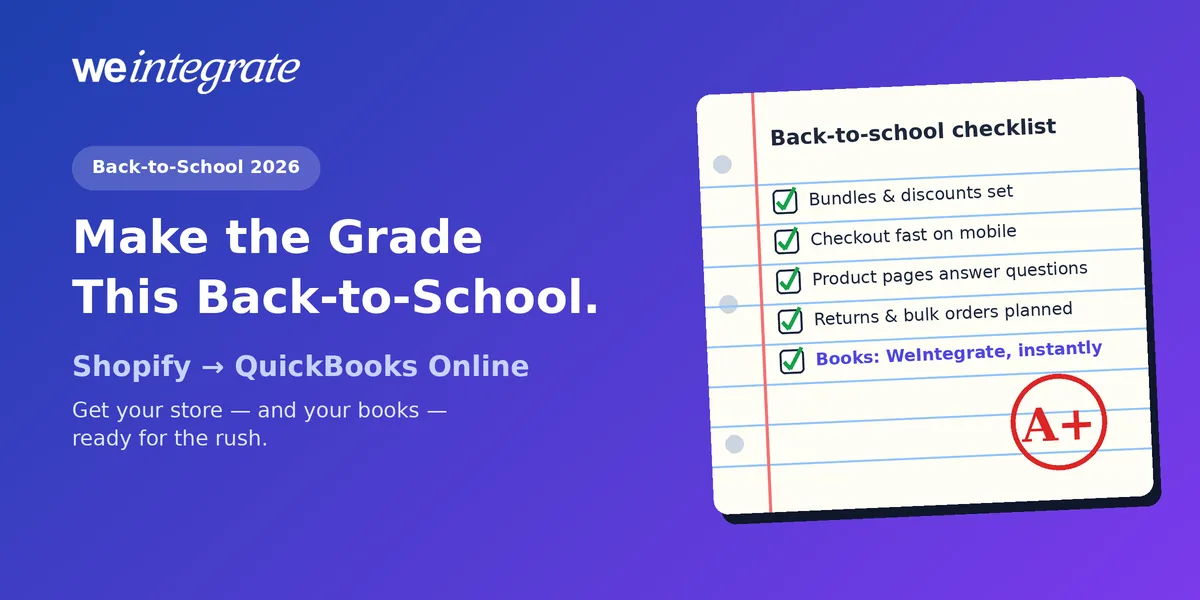
Back-to-school is a test every Shopify store takes — and the stakes keep rising. The National Retail Federation forecast record back-to-school and back-to-college spending for 2026: $43.3 billion for K-12 and $103.5 billion for college, with 46% of shoppers holding out for the best deals. Parents are comparing prices, shopping on their phones and buying online, and the stores that are ready for them win the season. This step-by-step checklist will help your Shopify store make the grade — and keep QuickBooks Online current with every order as it happens, so a strong season doesn’t leave you a mess at month-end.
Every back-to-school order in QuickBooks Online the moment it happens — real transactions, not a lump sum days later. Reconciled to the penny.
Start Your Free TrialStep 1: Price for Value-Hungry Shoppers
This year’s shoppers are careful with every dollar — Deloitte found 71% will switch brands if their usual one costs too much. Win them with clear value:
- Build bundles. A “first-day kit” — backpack, supplies, lunchbox — feels like a deal and lifts your average order.
- Let the deal apply itself. Shoppers finishing a supply list won’t go hunting for codes. Shopify’s automatic discounts — you can run up to 25 at once — apply at checkout on their own.
- Decide what stacks. Discount combinations decide whether a supply-kit bundle price and free shipping apply together. Run one test order per combination before you promote it.
- Show savings clearly. Put the “was / now” price and bundle savings right on the product page.
Step 2: Make Checkout Effortless
A busy parent shopping on a phone at 10 PM won’t fight your checkout. Remove every reason to leave:
- No surprise costs. According to Baymard Institute, roughly 70% of online carts are abandoned, and unexpected extra costs — shipping, tax, fees — are the top reason shoppers bail during checkout. Put shipping costs and an “arrives before the first day of school” date on the product page.
- Offer a one-tap checkout. Returning parents shouldn’t retype an address. Shop Pay saves their details, and Shopify says it can lift conversion by up to 50% versus guest checkout.
- Bring shoppers back. Turn on Shopify’s abandoned checkout emails so a forgotten cart gets a friendly reminder.
- Test on your phone. Most parents will shop from one — during last season’s holidays, smartphones handled the majority of US online purchases, per Adobe. Walk through your own store on a phone, start to finish, before you spend a dollar on ads.
Step 3: Be Found Where Shoppers Are Searching
Online shoppers plan to spend more: Deloitte found $614 on average for online shoppers versus $521 for mostly in-store shoppers — and parents who shop using a mix of search, social media and GenAI tools plan to spend the most of all, $737 on average. Make sure they find you:
- Write product pages for real questions. Sizes, grade levels, what’s included, how it holds up. Clear, specific descriptions help both search engines and AI shopping assistants recommend you.
- Consider AI shopping channels. Shopify’s Winter ’26 Edition brought agentic storefronts that let merchants sell through AI assistants like ChatGPT, Perplexity and Microsoft Copilot.
- Tag and collect by need. Collections like “Elementary essentials” or “Dorm must-haves” make it easy to shop the whole list at once.
Step 4: Plan for Returns and Bulk Orders
Back-to-school doesn’t end at checkout:
- Expect exchanges. Wrong sizes and duplicate supplies are part of the season. Post a clear, friendly returns policy and make it easy to find.
- Be ready for bulk orders. Schools, teachers and parent groups often buy in bulk — and some pay later on terms, like a business customer. Decide now how you’ll invoice them and follow up on payment.
Step 5: Get Your Books Ready Before the Rush

Back-to-school brings a mix most stores don’t see the rest of the year: bundles, bulk orders from schools, and a wave of exchanges once classes start. Whether that mix lands cleanly in QuickBooks Online depends on how your orders get there.
Some integrations batch your sales and post them to QuickBooks Online as one lump sum per day or per week — a summary journal entry in place of every order — and others hold everything until Shopify pays you out. In a season like this one, that costs you:
- Stale numbers. You’re deciding whether to reorder backpacks based on sales that are a day — or a week — old.
- Inventory gaps. A lump-sum journal entry never tells QuickBooks which products sold, so your stock counts there fall behind just when backpacks are flying off the shelf.
- Missing wholesale detail. A school’s bulk order on terms gets folded into a total instead of showing up as an open invoice that school owes you.
- Month-end detective work. When bundles, discounts, exchanges and fees are squeezed into a handful of totals, month-end becomes a hunt — the problem we unpacked in Month-End Close That’s a Breeze — No Detective Work Required.
WeIntegrate fixes this at the source. Here’s your bookkeeping checklist:
- Connect Shopify to QuickBooks Online with WeIntegrate — it takes about 10 minutes. Once you’ve subscribed, our team can bring in past orders with historical order sync.
- Choose how each store records sales. Retail stores record paid orders as Sales Receipts. If a store sells to schools or businesses on terms, switch its Record Sales Type to Invoice mode so each order becomes an Invoice, then a Payment when it’s paid — the setup we walked through in One QuickBooks Online Company, Both B2C and B2B.
- Decide how detailed you want customers and products. Match each shopper and product individually for full history, or roll them into one default catch-all customer and item — your choice, and the totals reconcile either way. Just keep unique customers for schools and businesses you invoice on terms, so you can see who owes what.
- Track stock in QuickBooks, if you want to. Set up your products as inventory items in QuickBooks Online Plus or Advanced and track them individually, and counts go down as each order sells.
- Let payouts become bank deposits. Each Shopify payout arrives in QuickBooks Online as a real Bank Deposit listing the back-to-school orders it pays for, plus Shopify’s fees, credits, chargebacks and disputes. How often depends on your plan: once a week on Startup, once a day on Basic, and several times a day from Growth up.
Why Real Transactions Win in a Rush
With WeIntegrate, every Shopify order becomes its own real transaction in QuickBooks Online the moment it’s placed:
- A backpack bought online becomes a Sales Receipt — QuickBooks’ record of a sale paid on the spot. When it comes back in the wrong size, the refund becomes a Refund Receipt tied to that exact sale, so exchange season stays easy to follow.
- A school’s bulk order on terms becomes an Invoice — the bill you send the school — then a Payment when the school pays, and a Credit Memo — a credit you owe them — if part of the order comes back.
Every one of those records keeps the order’s details — bundle pricing, discounts, shipping and the exact sales tax Shopify collected, to the penny. That’s real financial visibility all season: open QuickBooks any morning and see yesterday’s sales, what schools still owe you and how your stock is holding up — not a week from now, and not only after month-end.
And when the season’s payouts land, the three-way Shopify Payout to QuickBooks Online Bank Deposit Report puts each one beside its deposit, order by order, so you can confirm the rush added up without a spreadsheet. Payouts that match show green; anything off turns amber and points you to the exact order, refund or fee (the full report comes with Growth plans and up).
Your Back-to-School Checklist at a Glance
- Pricing: bundles built, automatic discounts set, combinations tested, savings shown.
- Checkout: costs and delivery dates upfront, Shop Pay on, abandoned checkout emails on, mobile tested.
- Discovery: product pages answer real questions, collections by need, AI shopping channels considered.
- After the sale: returns policy clear, bulk and terms orders planned.
- Books: WeIntegrate connected, Sales Receipt or Invoice mode chosen per store, inventory items set up if you track stock, payouts flowing in as real bank deposits.
Selling beyond the US? WeIntegrate also works with the Canada, United Kingdom, Australia and Global editions of QuickBooks Online.
Get Started
Start your free 15-day trial and connect Shopify to QuickBooks Online in about 10 minutes — so every bundle, bulk order and exchange this season is recorded as a real transaction the moment it happens. No credit card required.
See Also
- Month-End Close That’s a Breeze — No Detective Work Required — why lump sums turn month-end into a dozen-step hunt.
- Your Customers, Your Rules: How WeIntegrate’s Flexible Customer Matching Works — individual customers or one default catch-all, your choice.
- One QuickBooks Online Company, Both B2C and B2B — retail Sales Receipts and wholesale Invoices side by side.
- The Enhanced 3-Way Shopify Payout to QuickBooks Online Deposit Report — every fee, tax and difference on one screen.
- Your Products, Your Way: How WeIntegrate’s Powerful Item Matching Keeps Your Books Accurate — product-by-product sales and inventory, or one default catch-all item.
- Claude, ChatGPT, Gemini, DeepSeek, MCP — WeIntegrate Is Needed More Than Ever — why AI tools need real transactions to give you real answers.