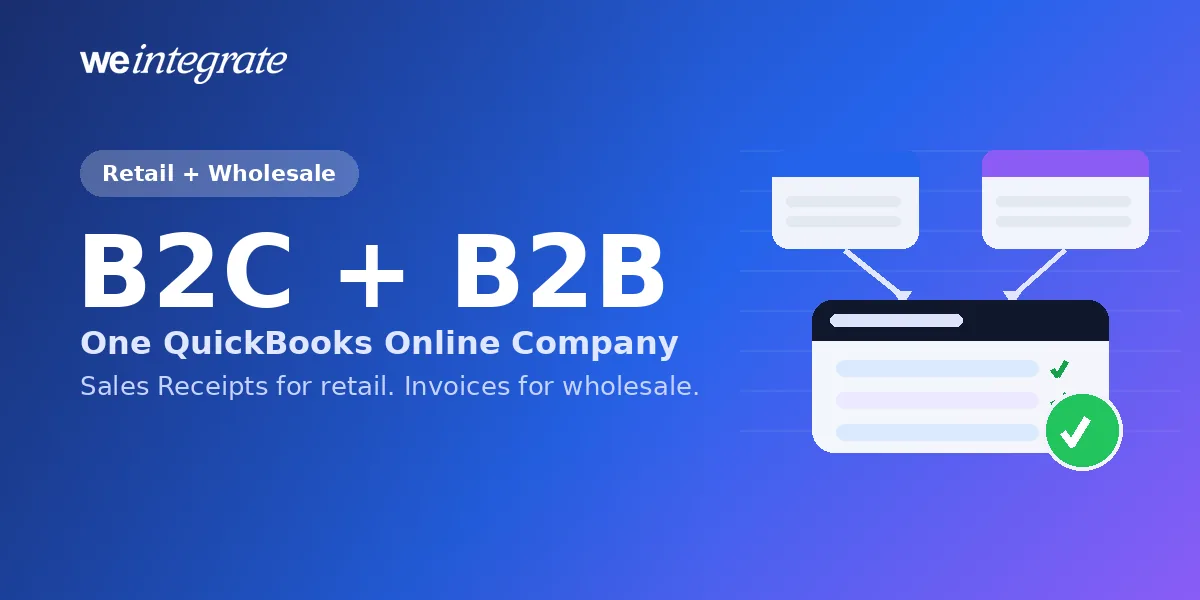
Selling wholesale on Shopify comes with an accounting tax that nobody talks about: someone has to recreate every B2B order as an invoice in QuickBooks Online by hand — line items, PO number, payment terms, due date — and then track which ones are paid, which are overdue, and what each account still owes. Do that ten or fifteen minutes at a time, order after order, and it quietly becomes a part-time job. Meanwhile your retail orders want the opposite treatment — a clean, paid-in-full receipt. The good news: you don’t have to choose, and you don’t have to do any of it by hand. WeIntegrate is built to serve retail and wholesale equally well, and to land both — automatically and instantly — in the same QuickBooks Online company.
Stop wasting hours on error-prone manual entry or summary journals. Get the #1 trusted automated instant accounting solution. Penny-accurate, real transaction details — instantly.
Start Your Free TrialRetail and Wholesale Want Different Documents — and That’s Fine
The reason B2B accounting feels like a second system is that a wholesale sale is a genuinely different event from a retail one. A retail order is paid at checkout: the money is in hand, the sale is settled, and a Sales Receipt captures it perfectly. A wholesale order on Net 30 is a promise: the goods ship now, the payment comes later, and the books need to recognize the revenue, open a receivable, and then close it when the check clears. Force both into the same document and one of them is always wrong.
WeIntegrate doesn’t force anything. It creates the right real QuickBooks Online document for each side of your business — never an aggregated journal entry:
- Retail (B2C): Sales Receipts for paid orders and Refund Receipts for returns — the cash-in-hand model, settled and done.
- Wholesale (B2B): Invoices the moment the order is placed, Payments recorded when they arrive, and Credit Memos for refunds — the accrual model your accountant expects, with accounts receivable that actually reflects what each customer owes.
Which set you get is controlled by a single setting — Record Sales Type — in your WeIntegrate Sales Defaults. It’s the same choice we walked through when Invoices, Payments, and Credit Memos went live: Sales Receipt mode or Invoice mode, both producing real, per-transaction documents.
Two Clean Ways to Run B2C and B2B — Both Into One QuickBooks Online Company
However your Shopify setup is shaped, the accounting lands in a single QuickBooks Online company, tidy and reconciled.
One storefront that serves both
If a single Shopify store takes both retail and wholesale orders, run it in Invoice mode and you get one consistent model for everything. Every order becomes an Invoice the instant it’s placed. When a retail customer pays at checkout, WeIntegrate records the Payment against that Invoice immediately — settled the same day. When a wholesale customer buys on terms, the Invoice sits open until their Payment arrives, exactly as it should. Refunds become Credit Memos either way. One document type, one workflow, and the difference between “paid now” and “paid later” is captured by when the Payment posts — automatically, from what Shopify reports.
Separate retail and wholesale storefronts
Many merchants keep a retail storefront and a dedicated B2B store — Shopify’s company profiles, custom catalogs, and net terms make that clean. WeIntegrate’s multi-store support is made for exactly this: connect the retail store in Sales Receipt mode and the wholesale store in Invoice mode, and point both at the same QuickBooks Online company. Each store keeps its own sync configuration, so your retail Sales Receipts and your wholesale Invoices arrive side by side — clearly separated, never commingled, no manual consolidation. Add a QuickBooks Class per channel and your Profit & Loss splits retail from wholesale on its own, with no extra bookkeeping.
Either way, you end up with one set of books that tells the whole story of the business — both halves of it.
Rules That Keep Retail and Wholesale Tidy
Real stores have exceptions, and WeIntegrate hands you the controls to handle them without touching QuickBooks. With conditional sync rules, you decide exactly which orders sync and when, based on:
- Customer tags — treat your tagged wholesale accounts differently from walk-up retail buyers.
- Order tags — keep test orders, samples, or internal purchases out of the books entirely.
- Payment gateway — exclude orders on a gateway you reconcile separately.
- Fulfillment status — hold a sale until it ships, if that’s how you recognize revenue.
The rules follow the customer or the order, so once they’re set, the right thing happens on its own — retail flows one way, wholesale another, and the noise never reaches your accountant.
B2B, Done the Way Your Accountant Actually Wants It
This is where WeIntegrate turns wholesale accounting from a chore into a non-event. Invoice mode isn’t a cosmetic label on a receipt — it’s true accrual accounting:
- Revenue is recognized at the sale, the moment the Shopify order exists — not weeks later when payment clears.
- Accounts receivable is real. Every open Invoice shows what a customer owes; when their Payment posts, WeIntegrate applies it and the balance closes automatically. You always know who’s outstanding, without a spreadsheet.
- Payment terms carry over from the Shopify order to the Invoice, so due dates and aging are correct from the start.
- Refunds credit the account properly with Credit Memos, reducing receivables the way accrual accounting requires — not a mismatched cash refund against a sale that was never cash.
No manual invoice recreation. No re-keying PO numbers. No wondering whether an account is paid up. The invoice your customer sees and the invoice in QuickBooks are the same event, synced instantly.
One Payout Reconciliation for Everything
Retail and wholesale money still arrives the same way — through Shopify payouts — and WeIntegrate reconciles all of it in one place. Each payout becomes a real QuickBooks Online Deposit automatically, with every underlying document posted as its own line — Sales Receipts and Refund Receipts from the retail side, Invoices, Payments, and Credit Memos from the wholesale side, plus processing fees and taxes each in the right account.
Then WeIntegrate checks the payout against the deposit and flags any discrepancy for you automatically — green when it’s clean, amber the moment something doesn’t tie out — and lays the whole thing out in the game-changing three-way Shopify Payout to QuickBooks Online Deposit Report, color-coded, with the problem line taken straight into focus. Whether the money came from a $30 retail order or a $6,000 wholesale invoice, it reconciles the same way, to the penny.
Instant and Penny-Accurate — Not a Batch on a Timer
None of this runs on a schedule that leaves your books minutes or hours behind. Orders, payments, refunds, and fulfillments sync to QuickBooks Online instantly, as they happen, and every document matches Shopify to the penny because WeIntegrate carries the real numbers across instead of estimating a summary. Retail or wholesale, one store or several, the picture in QuickBooks is always current and always correct — the opposite of the aggregated, batched journal entries that hide the detail your business runs on.
Get Started
Start your free 15-day trial and connect your retail and wholesale Shopify orders to one QuickBooks Online company in about 10 minutes — B2C and B2B, automated and reconciled. No credit card required.