
It’s live.
Invoice, Payment, and Credit Memo support for Shopify orders in QuickBooks Online (QBO) is now generally available to all WeIntegrate merchants. Every Shopify store that needs invoice-based accounting — B2B operations, wholesale accounts, merchants with net payment terms, accrual-basis businesses — can configure it today.
This is the feature we previewed in January with a select group of merchants, and the feedback confirmed what we already knew: for the right Shopify store, Invoice mode changes everything about how QBO reflects the business. Here’s the full picture.
Join thousands of happy merchants automating their Shopify accounting with the fastest, most accurate QuickBooks Online integration.
Start Your Free TrialThe Choice Is Now Yours
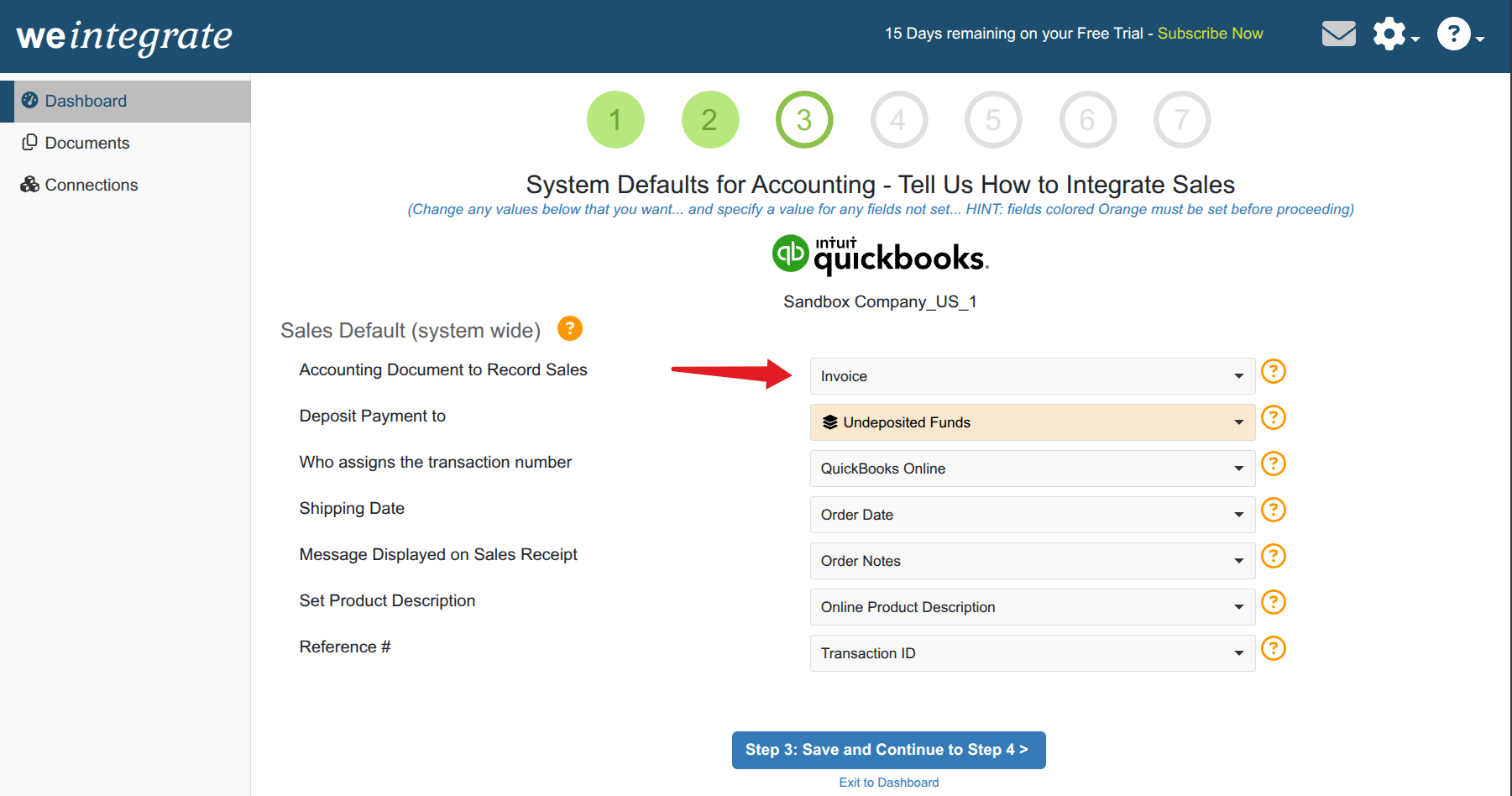
WeIntegrate now supports two complete document workflows for every Shopify transaction, configured through a single setting — Record Sales Type — in your Sales Defaults:
Sales Receipt — WeIntegrate creates Sales Receipts for paid Shopify orders and Refund Receipts for refunds. The default for standard ecommerce, retail, and payment-at-checkout Shopify stores. Unchanged from how WeIntegrate has always worked.
Invoice — WeIntegrate creates Invoices the moment a Shopify order is placed, records Payments as they’re received, and generates Credit Memos for refunds. Built for B2B, wholesale, net terms, and accrual accounting.
Neither mode uses journal entries or aggregated summaries. Both create real, individual QBO transaction documents for every Shopify order — the WeIntegrate standard that makes bank reconciliation, tax prep, and financial reporting accurate.
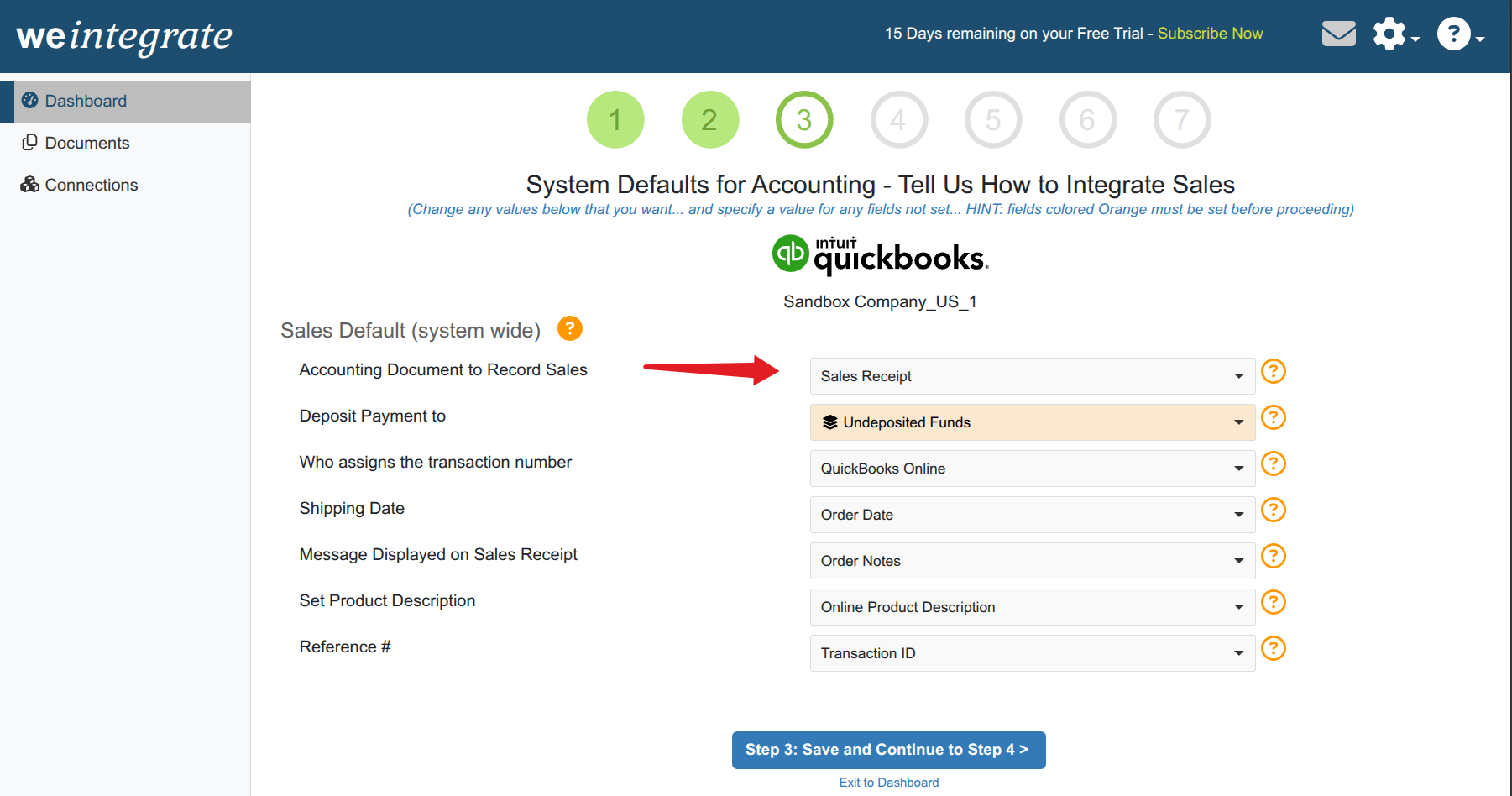
How Each Mode Works
Sales Receipt Mode
Orders placed on Shopify wait in a pending state in WeIntegrate until payment is confirmed. When Shopify marks the order paid, WeIntegrate creates the Sales Receipt in QBO. Refunds generate Refund Receipts automatically.
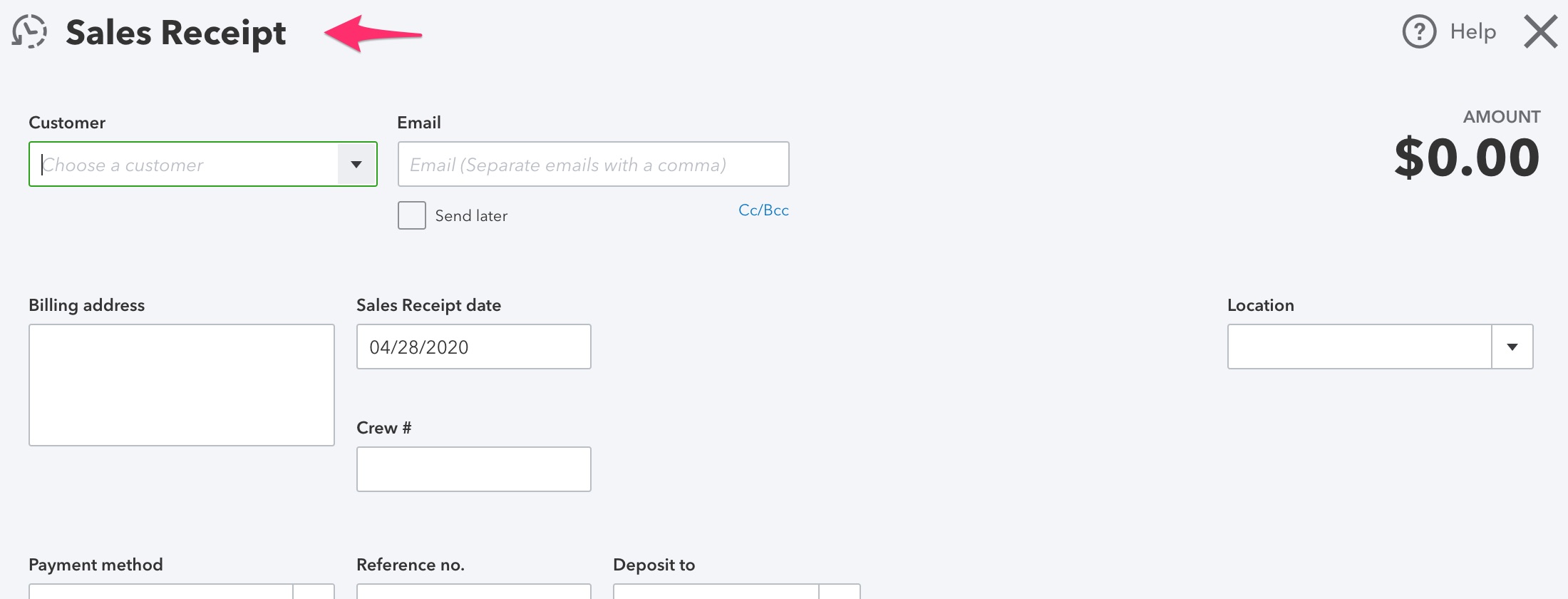
This is the right structure for any Shopify store where payment is collected at the time of purchase — direct-to-consumer (DTC) ecommerce, retail, and standard checkout flows.
Invoice Mode
When a Shopify order is placed, WeIntegrate creates the Invoice in QBO immediately — regardless of payment status. The sale is recorded when it happens. Payment terms from the Shopify order are applied to the Invoice. When Shopify reports payment received, WeIntegrate records the Payment against the open Invoice and updates its status in QBO.
Refunds generate Credit Memos in QBO instead of Refund Receipts, correctly reducing accounts receivable and crediting the customer’s account.
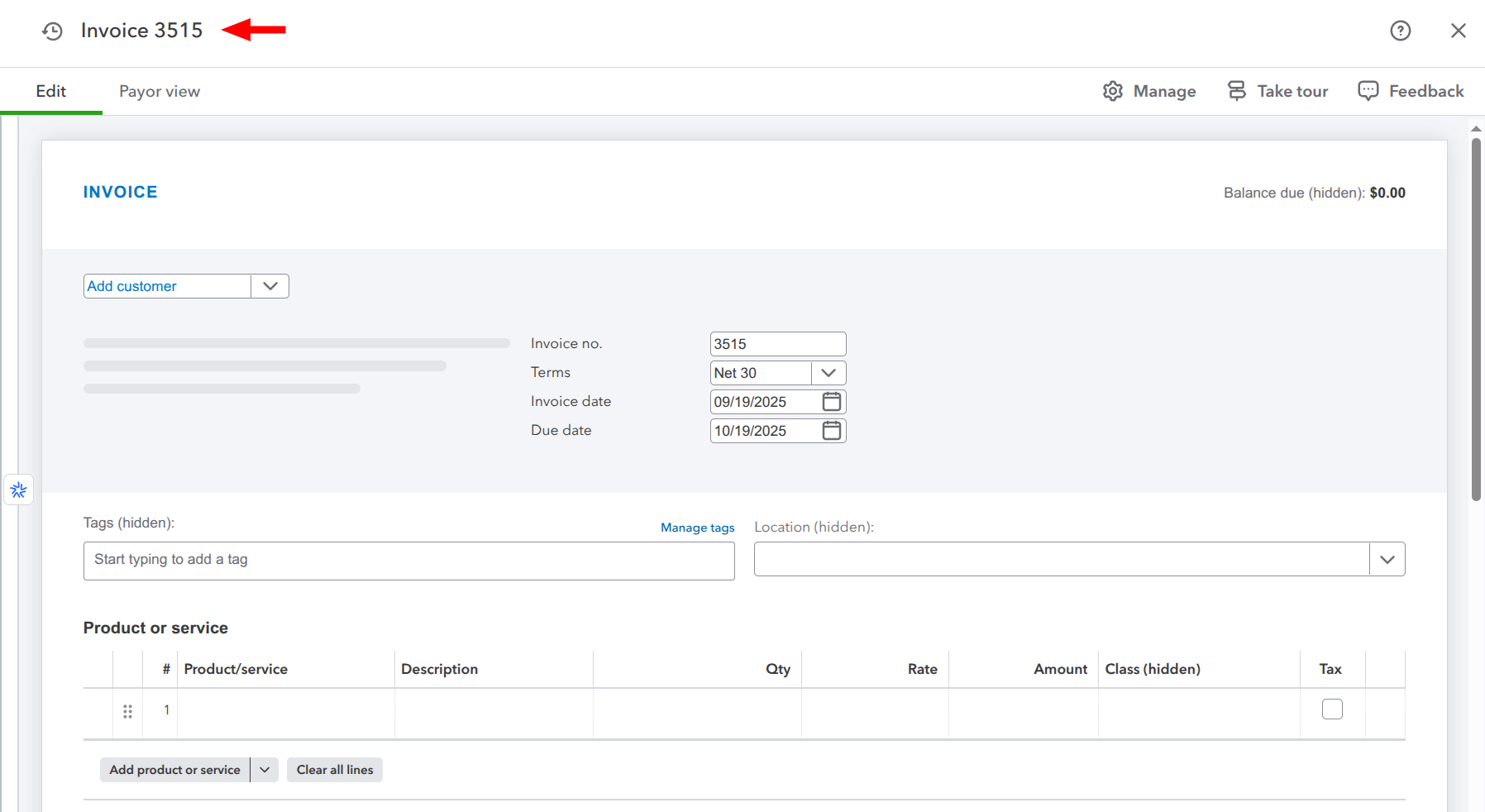
This is the right structure for B2B merchants, wholesale operations, Shopify stores that extend credit to customers, and any business running accrual-basis accounting where revenue recognition happens at the point of sale rather than at the point of payment.
How to Configure It
Record Sales Type lives in your WeIntegrate Sales Defaults:
- Click the gear icon in the top right of your WeIntegrate account
- Select Preferences from the dropdown
- Open Sales Defaults
- Choose Invoice under Record Sales Type
Full configuration details are in the WeIntegrate Record Sales Type documentation.
A Few Things Worth Knowing Before You Switch
Changing modes is not retroactive. Sales Receipts already created in QBO stay as Sales Receipts. Only new transactions after the change follow the new mode. If you’re switching an existing connection, the cleanest transition is at the start of an accounting period — beginning of a month or quarter — so your QBO records don’t mix document types mid-period.
Talk to your accountant first. The difference between Sales Receipt mode and Invoice mode reflects a real accounting method difference: cash basis vs. accrual basis. Switching between them has implications for revenue recognition and tax reporting. Make sure your accountant is aligned before changing an established configuration.
New merchants: choose before you start syncing. Record Sales Type is one of the few settings where starting correctly matters more than any other configuration decision. Set it once, based on how your business actually works, before your first order syncs.
The Mode Doesn’t Change the Standard
Both modes produce real QBO transaction documents — Sales Receipts, Invoices, Payments, Refund Receipts, Credit Memos — with accurate line items, taxes, fees, and payment details. Neither mode produces journal entries or aggregated summaries. WeIntegrate’s standard for per-transaction accuracy applies equally to both.
For background on the feature and the business cases that drove it, see the private preview announcement from January.
Start your free 15-day trial of WeIntegrate and configure Invoice mode as part of your 10-minute setup. No credit card required.